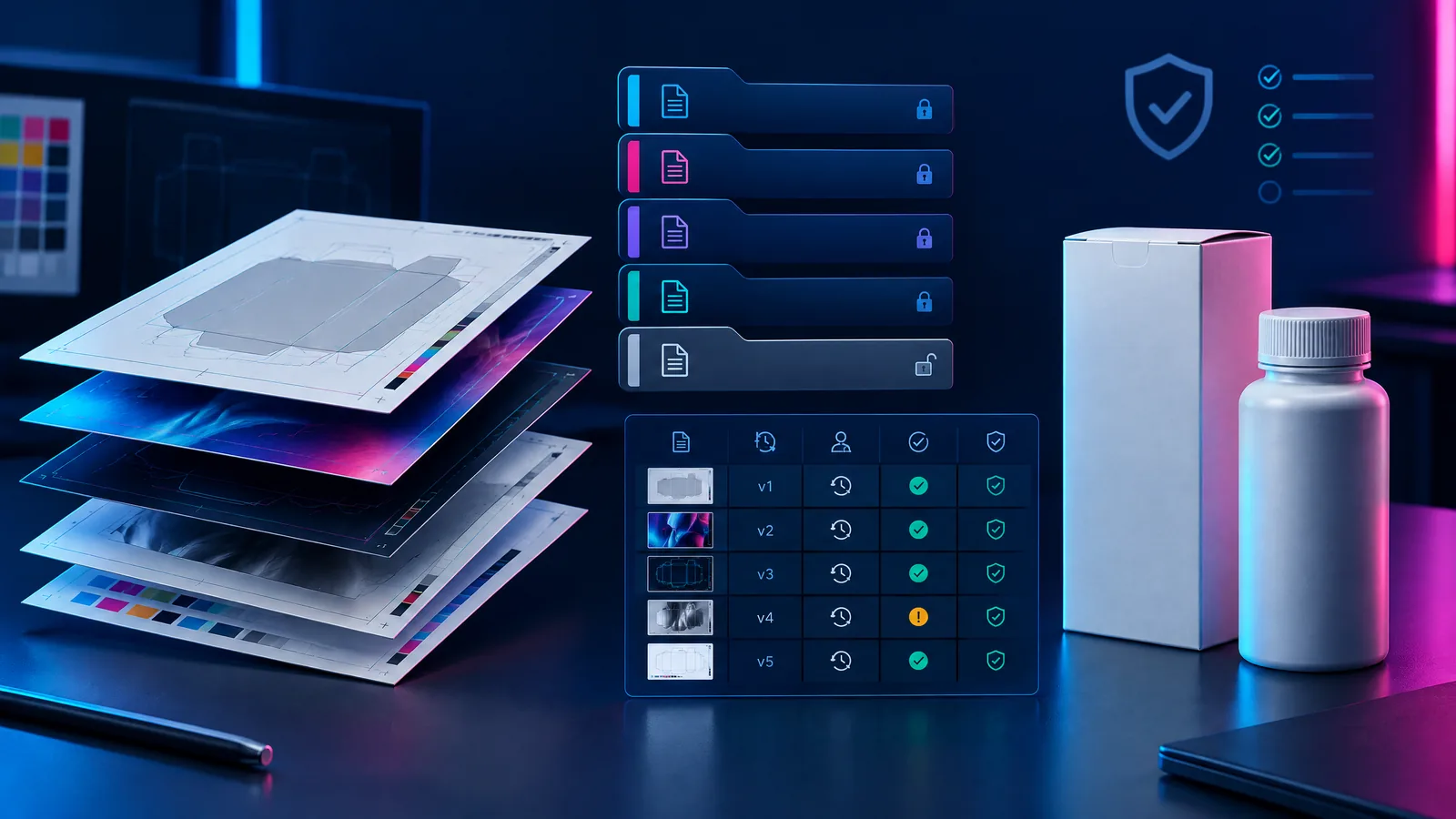
Packaging artwork version control gives licensed U.S. business buyers one approved, traceable file set from concept through production release. In a private-label vapor-hardware project, the goal is to stop an outdated dieline, warning area, barcode, product configuration, or other controlled element from reaching print because teams worked from different files.
>
1. Build a controlled artwork baseline
Version control begins before design. Create a packaging brief that identifies the project code, product family, SKU or configuration, pack format, intended market, artwork owner, and the roles authorized to approve changes. If several SKUs share one carton structure, list every sellable configuration rather than relying on a generic family name.
The brief should also identify the source of each controlled element: brand assets, business details, barcode data, origin language, product descriptors, device images, dieline, and any required statements. Link to or attach the source record instead of copying text from an email. A reviewer should be able to see who supplied each item, when it was approved, and which revision carries it.
Keep the baseline connected to the broader private-label project record. The OEM/ODM and private-label overview can support a manufacturing discussion, while the artwork brief remains the controlled record for packaging decisions. This separation helps prevent commercial conversations from becoming undocumented artwork changes.
2. Establish one source of truth and a usable release checklist
A folder named “final” is not a control system. Use one controlled directory with restricted write access, a read-only released area, a naming convention, and a change history. The artwork owner can coordinate files, but the authority for brand, product, regulatory, and purchasing decisions should be clear.
A plain, searchable filename works well: `ASL-PL-042_CARTON_US_SKU123_R03_20261018.ai`. Its value is consistency: project, component, market, configuration, revision, and date are visible. Avoid ambiguous names such as `latest`, `new`, or `final-final`.
| File/status | Meaning | Buyer control |
|---|---|---|
| Source approved | Approved copy, assets, data, and dieline inputs | Preserve the source and approval date. |
| Working revision | A reviewable draft that may still change | Identify revision and open issues; never treat it as production-ready. |
| Approved artwork | Reviewers accepted an identified proof | Record approver, date, scope, and conditions. |
| Released for production | Locked files authorized for the named run | Archive the file package and effective date. |
| Superseded | A prior revision no longer permitted for use | Retain it for traceability and mark it “do not produce.” |
The difference between approved artwork and released for production matters. Approval closes content review. Release confirms that the production-format files, linked assets, dieline, and instructions form the correct package.
Before release, use this numbered checklist:
- Confirm identity and scope. Match the project code, SKU/configuration, component, market, and revision to the release request. Confirm the dieline revision matches the packaging component.
- Compare controlled copy. Check names, addresses, counts, measurements, origin references, product descriptors, and contact lines against their approved sources. Escalate unapproved translations, claim-like wording, and copied web text.
- Check reserved areas and data. Verify approved geometry for controlled statements or markings. Verify barcode payload, human-readable code, and any specified traceability field. Test scan data from the final proof when the project requires it.
- Inspect production details. Check colors, finishes, bleed, safe areas, panel orientation, overprint settings, images, fonts, and the printer’s technical specification.
- Lock the release record. Capture approvals against the named revision, then archive the proof, source package, printer-ready file, change log, and release record together.
For a more detailed supplier-facing process, use the vapor-hardware change-control checklist. For early packaging inputs in a purchasing workflow, the private-label vapor packaging RFQ checklist can help define the baseline.
3. Treat regulatory and import-sensitive copy as controlled inputs
Packaging can carry information that is not simply brand copy. It should be reviewed by the appropriate party for the specific product, market, and transaction. FDA publishes labeling and warning-statement requirements for tobacco products, including material relevant to covered tobacco products and certain ENDS-related products. The applicable treatment depends on the product and facts; it is not a layout decision. Start with FDA’s labeling and warning-statement resource, then obtain the review needed for the project.
The same approach applies to marketing status. FDA states that a company must receive a written marketing order to legally market a new tobacco product in the United States, while the pathway and scope are product-specific. FDA’s marketing-orders page is an official starting point for responsible parties reviewing documentation and status.
Country-of-origin content should never be inferred from a logo, supplier address, or shipping location. Unless an exception applies, 19 CFR 134.11 provides that an imported foreign article or its container must be marked conspicuously, legibly, indelibly, and permanently to indicate the English country-of-origin name to the U.S. ultimate purchaser. Confirm treatment for the actual product and container with qualified customs and legal advisers before locking artwork.
Maintain a small compliance matrix beside the design files. For each controlled item, record the source, reviewer, decision date, affected SKUs, and artwork revision. Verified buyers should request product-specific U.S. regulatory status and supporting documents from the responsible parties. This article is not legal advice. The supplier documentation checklist can structure the discussion, but does not replace qualified review.
4. Keep prepress and post-approval changes under control
Approval does not end version control. A printer or packaging supplier may create a prepress file, impose artwork on a sheet, request a color adjustment, or make a technical change. Each event needs a record and a decision about whether controlled content or the printed result is affected.
Request a prepress proof that identifies the supplier file version, dieline revision, proof date, and any deviation from the released artwork. Preserve the approved visual proof and production PDF together when possible. If a material change is needed, open a change request rather than annotating an old email thread. State the reason, affected components and SKUs, proposed revision, reviewer roles, and disposition of previously produced material.
Use a clear stop rule: return the file to the correct review stage if a change affects identity, controlled copy, required-content geometry, machine-readable data, package structure, or a production setting that could alter the printed result. Archive the prior release as superseded; do not silently overwrite it.
This also supports inspection: turn release requirements into verification points, including visible revision, correct component, legible copy, and match to the approved proof.
FAQs
What belongs in an artwork release record?
Include the project and component ID, SKU/configuration, revision, market, linked proof or file identifier, approver names or roles, approval date, release date, and release scope. State any deviation or condition explicitly. A release without an identified file is not auditable.
Can a printer correct a typo after artwork review?
Treat the correction as a controlled change. The buyer should receive the revised proof, confirm the exact revision, and document the approval before production release. The review path depends on the content changed and the project’s approval matrix.
Should every file include a country-of-origin statement?
Do not assume a universal treatment. Origin marking depends on the product, container, and applicable exceptions. Obtain appropriate advice for the import scenario, then use only approved content from the controlled source record.
Sources and further reading
- FDA: Labeling and Warning Statements for Tobacco Products - FDA: Tobacco Products Marketing Orders - Electronic Code of Federal Regulations: 19 CFR 134.11, Country of origin marking required
Ready to establish an artwork-control workflow for a private-label vapor-hardware discussion? Request a B2B quote with the project identifier, packaging components, target market, and current revision set.